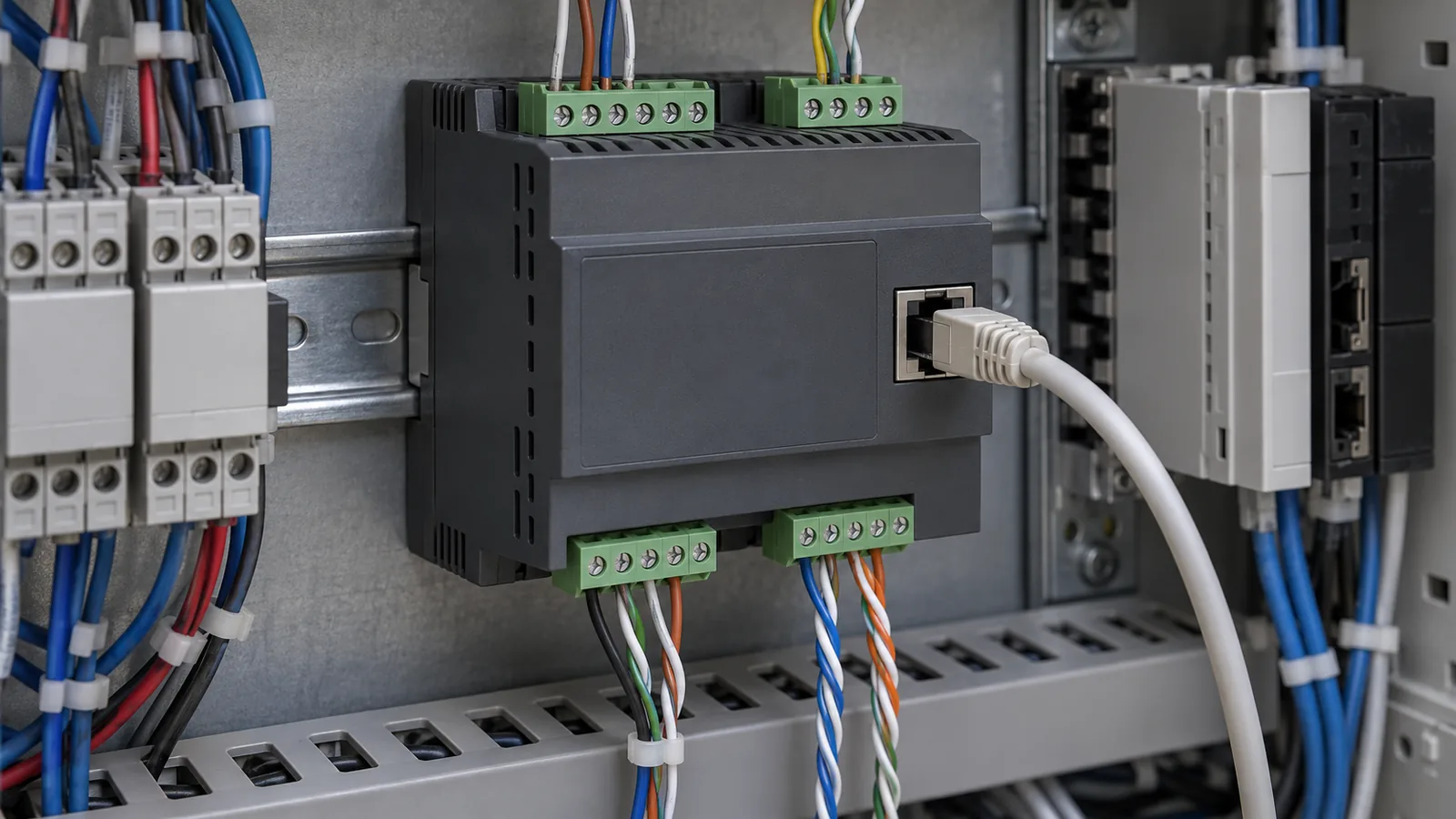
RS-485, CAN and Ethernet: Endpoint and Gateway Records
Separate electrical interfaces, link behavior and application meaning. Record both endpoints and the gateway function before comparing RS-485, CAN and Ethernet.
Reference / 04
Understand the boundary between a processor, its board and its connected devices. Interface selection needs the physical layer, protocol and application requirements to be considered separately.
Reading route
This route connects the questions to the documentation you need. Start with the inputs, keep the source beside the claim, then follow the application.
Step 01
A physical interface, a communications protocol and the application data exchanged across a link answer different questions. Write down all three before comparing options. A board connector name alone does not explain pin assignments, signal levels or compatibility with a peripheral. Confirm those details against the documentation for both ends of the connection.
Step 02
Record which devices communicate, their operating environment and what the control application must accomplish. Then compare candidate links using consistent dimensions: topology, interoperability, integration effort and documented limits. Keep vendor implementation details attached to the relevant product. A general comparison is a starting point for a system review, not approval of an unspecified network.
Step 03
When applying an interface to a kiosk or packaging controller, start with the equipment and peripheral manuals. Capture wiring diagrams and protocol references with their revisions. If a question belongs to power requirements or to maintenance procedures, follow that route rather than treating every board issue as a communications issue.
Before choosing a gateway, compare endpoint layers using the RS-485, CAN and Ethernet documentation comparison.
Continue through component documentation, sourcing evidence, power requirements, control interfaces and equipment applications as your task requires.
These public documents show the scope of the checks described above. Device and equipment limits remain specific to each document; this route does not replace the relevant current manual. Accessed October 8, 2026.