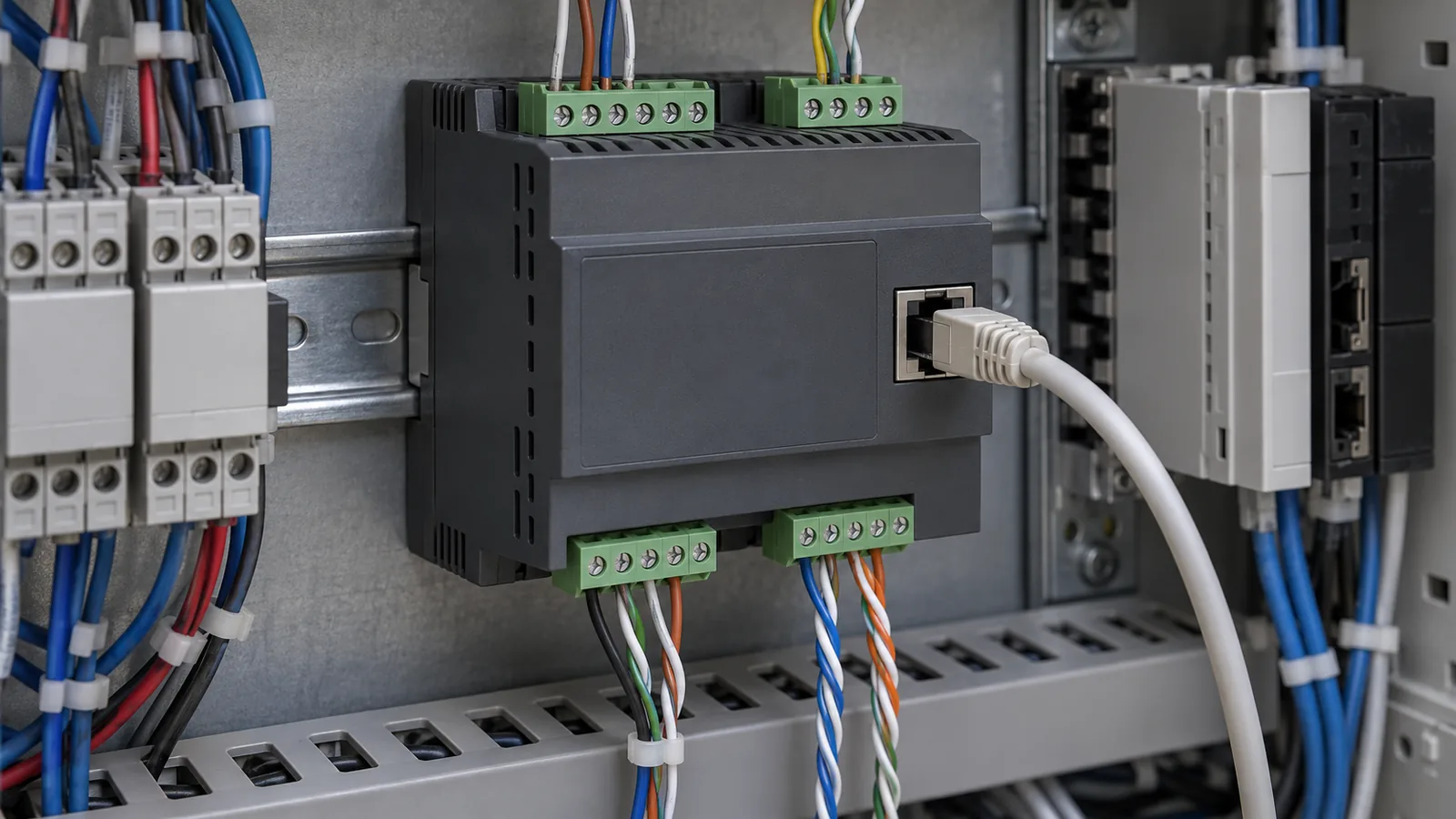
Choosing a gateway from port names alone can cause rework when connected devices lack a documented way to exchange useful data. Compare the electrical interface, link behavior, application meaning and gateway function separately before selecting a connection.
This is a documentation comparison based on public original files, not our testing. Its source-backed technical examples cover RS-485 and classical CAN; the Ethernet endpoint column explicitly records questions for the actual device documents. It helps integrators in the embedded-control route record what two endpoints actually require; it provides no universal winning network or unqualified speed-and-distance table.
| Input or item | Typical value or source | Why it matters |
|---|---|---|
| Electrical interface | Device manual and applicable interface documentation | Defines the physical connection question |
| Link behavior | Device/controller documentation | Defines how traffic is organized |
| Application meaning | Endpoint protocol or message documentation | Defines what the data means |
| Gateway function | Exact product’s original manual | Separates carrying traffic from translating it |
| Installation conditions | Source conditions for the actual devices and cable | Keeps a published capability within scope |
| Open question | Named source owner and missing document | Prevents an unsupported compatibility claim |
Compare the layers rather than the names
RS-485, CAN and Ethernet labels do not answer the same set of questions by themselves. Build the comparison from the documented layer and function of the actual endpoint.
TI’s RS-485 Design Guide calls RS-485 an electrical-only standard: it defines driver and receiver characteristics rather than the whole application conversation. TI’s Introduction to CAN shows the physical and data-link layers separately from an application-specific protocol. Those original sources support the need to preserve the layer distinction.
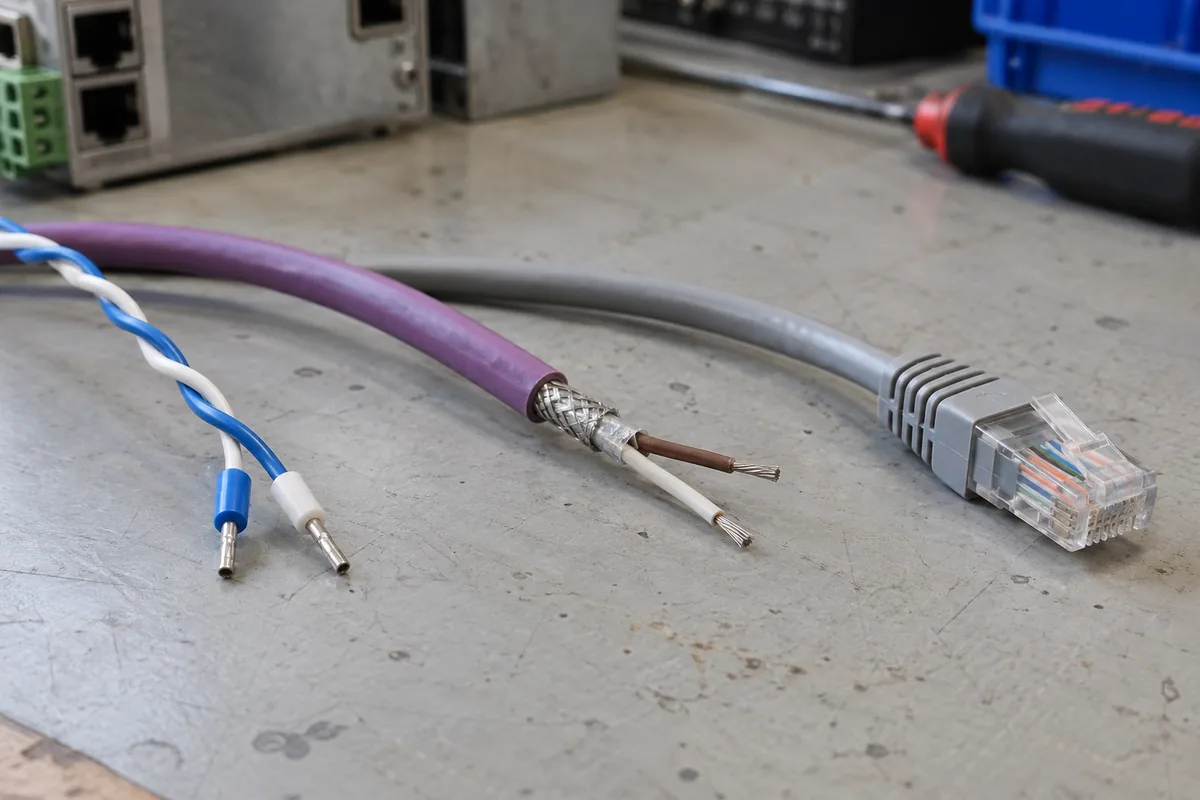
| Comparison question | RS-485 documentation | CAN documentation | Ethernet endpoint record |
|---|---|---|---|
| What does the source establish here? | RS-485 defines electrical driver/receiver characteristics | The cited classical CAN sections distinguish physical and data-link behavior from application meaning | Technical layer definition is not established by the cited files; obtain the actual Ethernet endpoint documentation |
| What electrical interface is stated? | Check driver/receiver and device requirements | Check the exact CAN transceiver/interface scope | Check the exact device’s physical port specification |
| What link behavior is required? | Find the protocol used by the actual devices | Find the supported CAN variant and link configuration | Find the endpoint’s documented link requirements |
| What does the payload mean? | Obtain the application message or register documentation | Obtain the application message definitions | Obtain the actual application-service documentation |
| What conversion is needed? | Establish what the serial endpoint expects | Establish what the CAN endpoint expects | Establish what the network endpoint expects |
| What remains unconfirmed? | Missing endpoint-specific conditions | Missing variant or message definitions | Missing endpoint/application documentation |
The Ethernet column is a list of documentation questions, not a claim about a particular Ethernet standard or device. The primary technical sources read for this comparison cover RS-485 and classical CAN. Record current Ethernet endpoint requirements from the actual manufacturer’s documents; this article does not fill them from assumptions.
Use component document records to identify the exact transceiver or controller when the board documentation names one. The industrial application documentation guide explains equipment context. Keep the actual configuration and its source in your own project records.
Takeaway: Compare equivalent documented functions; a familiar port label leaves other layers unanswered.
Record what each endpoint sends and understands
Create one endpoint record for each side of the intended connection. A supported physical interface is only one part of that record.
| Endpoint field | Evidence to preserve | Unresolved question |
|---|---|---|
| Device and variant | Original model/configuration document | Which installed variant is involved? |
| Electrical interface | Manual section and stated conditions | Does the proposed arrangement match the source? |
| Link configuration | Documented settings and supported mode | Are both sides configured consistently? |
| Application data | Message definition or application manual | Do both sides assign the same meaning? |
| Roles and sequence | Device’s documented communication role | Who starts or responds to the exchange? |
| Error behavior | Original behavior or handling requirement | What happens when useful data is unavailable? |
For each endpoint A, endpoint B and candidate gateway, use the same fillable detail structure. This is an editorial record, not a compatibility approval.
| Detail field | Entry to preserve |
|---|---|
| Record object | Exact endpoint or gateway model/variant |
| Actual declaration | What the source says about the interface, link or application |
| Source identity | Document identifier, revision, URL and page/section/table/notes |
| Source conditions | Every applicable condition and qualifier |
| Project configuration | Intended configuration and its own source reference |
| Difference or missing evidence | Source versus intended-use difference, explicitly unresolved where needed |
| Named owner | Person responsible for resolving the question |
| Decision record | Reference to the actual engineering decision, if one exists |
For CAN, keep the link’s message structure separate from the application interpretation. The May 2016 TI guide explains classical CAN identifiers, frames and arbitration; it does not give a device-specific meaning for every identifier. Do not extrapolate this source to CAN FD behavior or assume two products with CAN ports use the same application protocol.
For RS-485, the electrical guide does not establish which command set the installed device understands. Use the datasheet condition record to preserve settings and conditions where they appear in component documentation, then complete the system record from the actual endpoint manual.
Takeaway: Document both endpoints’ application meaning as well as their interfaces and link configuration.
Specify whether the gateway carries or translates traffic
Describe the proposed gateway by its documented job: carrying traffic through another connection, translating an application, or another explicitly supported function. The words “converter” and “gateway” alone do not settle that job.
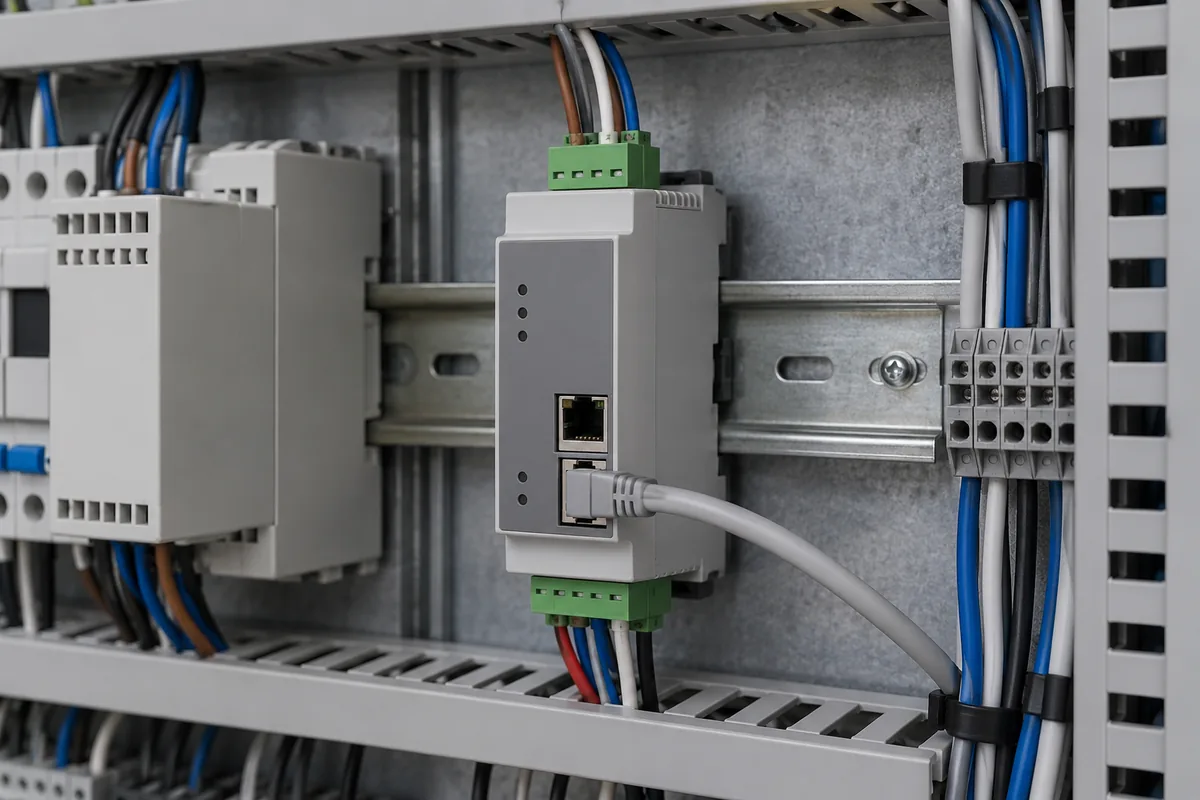
As a planning distinction, transport means carrying the endpoint’s traffic through another path, while translation means mapping the data or interaction into what the other application expects. These are editorial terms for the review record, not claims that any unnamed product supplies those functions.
| Gateway-review field | Evidence required |
|---|---|
| Endpoint A | Device identity, protocol and communication role |
| Endpoint B | Device identity, application and communication role |
| Transport or translation | Exact supported function in the candidate manual |
| Meaning and mapping | Documented mapping for the required messages/data |
| Configuration | Settings and source location for this arrangement |
| Error handling | Required behavior and the candidate’s documented behavior |
| Unresolved requirement | Named owner and missing evidence |
If the application mapping is absent, record it as an open requirement. A network-accessible serial path does not establish that a different application understands the serial device’s data. If a hardware change is involved, use the replacement requirements matrix to preserve the original and candidate constraints. Use sourcing evidence for purchase-origin questions about the chosen hardware.
Common mistake: Treating a transport function as proof that the applications on either side understand one another.
Takeaway: Select against a documented gateway function and application mapping, not a connector-name match.
Preserve every condition behind a capability comparison
Keep rate and distance claims attached to the exact source conditions rather than ranking interfaces with isolated numbers. This article deliberately supplies no general performance table.
TI’s RS-485 guide discusses rate and cable length with different stated conditions; those examples cannot be merged into one simultaneous capability. For a real review, record the cable and topology, rate and device variant, stated load and electrical conditions, and all applicable source notes. Leave missing conditions unresolved.
The power documentation guide explains how to organize equipment supply and installation questions. Preserve the actual constraints in project records with the applicable manufacturer source. Continue through embedded-control documentation to maintain the complete application requirement rather than optimizing one isolated headline value.
Takeaway: A capability comparison is meaningful only within the conditions of its original sources.
When this does not apply
This comparison cannot approve wiring, choose a safety-control network or guarantee that a gateway makes unknown devices compatible. It does not cover CAN FD using evidence drawn from the classical CAN guide.
For handoff, assemble endpoint A and B records, the candidate gateway record, application mapping, source-versus-project conditions and unresolved items. Give that package to the project engineering or original-equipment service owner, who records the decision and supporting files. The gateway function is a review object between endpoints, not another protocol layer.
The TI sources are the RS-485 guide revised May 2021 and the CAN guide revised May 2016. They support the stated conceptual distinctions within their scope. Current device-specific capability and configuration questions belong to current endpoint and gateway documentation.
Takeaway: Use the layer record to expose missing evidence before selection; engineering acceptance remains a separate decision.
Methods and sources
We reread TI’s original RS-485 Design Guide, SLLA272D, particularly its standard-and-features section, and Introduction to CAN, SLOA101B, particularly its layered architecture and message sections. Both were accessed October 8, 2026. The endpoint matrix and transport/translation distinction are editorial review aids. Ethernet entries request actual-device documentation; no Ethernet-specific numeric claims or measured cross-interface results are supplied.
Related reading
- Datasheet condition checklist — Preserve a configuration’s source and stated conditions.
- Industrial applications — Keep the intended equipment task beside the interface record.