Treating a discontinued part and an alternative part as the same purchasing problem can cause rework. Separate buying the same ordering code from reviewing a different candidate, then record the evidence needed for each route.
This guide gives maintenance and procurement teams a replacement-review matrix. It extends the sourcing evidence route with a way to preserve requirements, differences and responsibility; it does not identify stock, approve compatibility or recommend a seller.
| Input or item | Typical value or source | Why it matters |
|---|---|---|
| Original part | Approved assembly record and full ordering code | Establishes what is being replaced |
| Manufacturer status | Dated original lifecycle source | Separates production status from seller availability |
| Board constraints | Actual drawing, specification and configuration | Defines the requirement for candidate review |
| Candidate evidence | Exact candidate datasheet and variant | Makes differences visible |
| Review status | Named engineering owner and supporting record | Prevents a proposal from becoming an approval |
Choose the purchasing or engineering route
Keep the same ordering code on the purchasing-evidence route; treat a different proposed part as an engineering-review question. A familiar function or matching package name does not resolve substitution.
The first route asks whether the purchase documentation supports the required original variant and its origin. The second asks whether a candidate’s differences are acceptable for the actual assembly. Both can be needed in the same project, but their evidence and owners differ.
Before selecting a route, establish the full ordering code and marking record. If the original identity is uncertain, record that uncertainty rather than comparing candidates against a guessed baseline. Retain the assembly revision: a part named in an old drawing may not define a later board.
Takeaway: The route follows the actual identity of the proposed part, not a seller’s use of the word “replacement.”
Separate manufacturer lifecycle from seller availability
Record production status from the manufacturer and availability from the party claiming to supply stock. Neither record proves the other.
TI’s product-lifecycle page distinguishes active, not recommended for new designs, last time buy and obsolete. In TI’s definitions, obsolete means no longer in production, while last time buy means discontinuation is in progress. These are TI’s status definitions, not a universal dictionary for every manufacturer. Check the actual product’s current status when conducting a purchase review.
| Evidence object | Question | Source to preserve |
|---|---|---|
| Manufacturer status | What status does the manufacturer assign to the exact product? | Product source, exact identifier and model level, definition and date checked; correspondence to the required full code |
| Seller statement | What stock or supply does the seller claim? | Dated statement for the full code |
| Purchase record | What does the order specify? | Requested variant and document reference |
| Origin record | How is the offered material associated with source documents? | Batch and document linkage |
TI’s lifecycle page notes that a product-page status refers to the generic product number, which groups orderable devices. Its package addendum lists separate orderable rows. Preserve which level the source covers; a family-level status should remain family-level evidence until its relationship to the requested full code is documented.
An old datasheet is technical evidence within its scope, not a stock statement. An active status is also not a delivery commitment. Keep purchase-origin questions in sourcing documentation and component behavior in manufacturer specification records.
Common mistake: Turning “same function” or “available alternative” into “approved for this board” in a purchase request.
Takeaway: Lifecycle, offered stock and assembly suitability require separate evidence.
Build the replacement requirements matrix
Compare each candidate against the original requirement using the same definition and conditions. Put a difference and a review owner beside every unresolved row.
| Requirement row | Original requirement and source | Candidate evidence | Difference / owner |
|---|---|---|---|
| Identity and package | Approved code, drawing and assembly revision | Candidate code and corresponding drawing | Unresolved variant or footprint question |
| Function and pin assignment | Original function and pin information | Candidate function and pin information | Engineering review of any difference |
| Operating conditions | Actual application requirements | Candidate operating sections and notes | Conditions missing or outside the stated comparison |
| Electrical behavior | Relevant original specification row | Comparable candidate row and conditions | Definition or condition mismatch |
| Timing and startup | Requirement in the actual design records | Applicable candidate documentation | Behavior needing review |
| Configuration and firmware | Existing approved configuration | Documented candidate requirements | Software or setting impact |
| Qualification and acceptance | Organization’s documented requirement | Evidence provided for the candidate | Requirement owner and outstanding evidence |
For each applicable row, create a linked detail record using the fields below. These fields make the matrix fillable without supplying assumed part values.
| Detail field | What to enter |
|---|---|
| Requirement reference | Original requirement, assembly revision and row identifier |
| Original evidence | Document title, identifier, revision, URL and section/table/notes |
| Candidate evidence | Exact candidate variant and its corresponding document/location |
| Definition and unit | Same parameter meaning and unit on each side; not applicable if no value is involved |
| Value type and conditions | Min/typ/max status and source conditions on both sides |
| Difference or missing item | Explicit mismatch or unresolved evidence |
| Named owner | Person responsible for this row’s review |
| Next evidence | Specific document or decision needed to resolve it |
| Review and decision reference | Pending state or actual decision-record reference; no pre-filled approval |
This is an editorial record layout, not a prescribed qualification plan. Select the rows that belong to the assembly and retain any additional requirements its engineering owner identifies. Unknown entries should say unresolved rather than zero, same or acceptable.
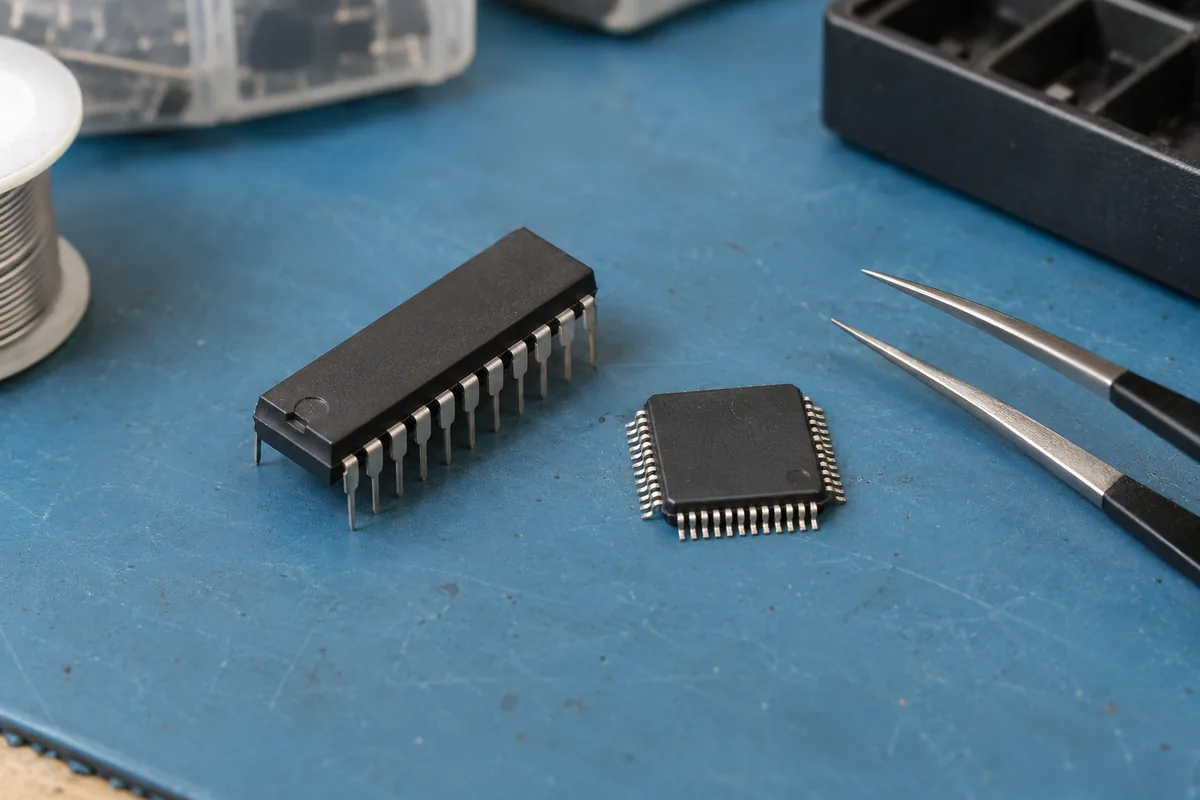
The TI SN74LVC1G14 original file is used only to illustrate document structure, not as a discontinued-part case or candidate recommendation. It illustrates why the comparison needs several document locations: pin information, recommended operating conditions, electrical characteristics, switching-characteristic sections and package-option information are distinct. The file does not establish compatibility with an unspecified candidate. Use the MCU datasheet condition checklist for the habit of keeping row conditions and footnotes with values, including when the device is not an MCU.
For a connected control assembly, preserve the interface requirements as a separate source of constraints. For installed equipment, use the industrial documentation route to establish the machine and configuration context.
Takeaway: Compare requirements and evidence row by row; keep the differences visible until their owner resolves them.
Keep sourcing claims and engineering decisions attributable
A supplier report belongs beside the exact claim it addresses; an engineering decision belongs beside the assembly requirement it resolves. Record who produced each item and what it covers.
A test report supplied with material does not automatically cover every required property or constitute independent certification. Preserve the report’s stated method, tested material identity, scope and issuer without rewriting it as a general guarantee. This page establishes no universal test prescription.
Keep the handoff attributable: supplier evidence goes to the engineering owner with its stated scope; the engineering owner records the requirements, differences and decision; purchasing refers to that decision record. An unresolved item stays with its named review owner. This is an editorial handoff layout, not a claim that this page or a supplier approves the assembly.
A useful status field distinguishes a documented match, an open difference and a pending review. The engineering owner decides how those states affect the actual assembly. Purchasing can then refer to the resulting decision record rather than copying a candidate description into the approved bill of materials.
Continue through the sourcing evidence route for the purchase record once the requirement and review status are explicit.
Takeaway: Attribute supplier evidence and engineering acceptance to the people and documents responsible for them.
When this does not apply
This checklist does not provide a pin-compatible substitute, certify material or approve a redesign. It does not answer whether a specific seller has stock or whether an unknown board will work with a candidate.
If the approved original requirement cannot be established, first resolve the assembly documentation. If a candidate requires a design change, its review belongs to the responsible engineering process rather than this purchasing worksheet. Safety-related applications need their own authorized requirements and review; this page does not define them.
Takeaway: Use the matrix to organize an accountable review, not to bypass one.
Methods and sources
This guide uses TI’s original product-lifecycle page and SN74LVC1G14 datasheet, SCES218AA revised October 2025 with the package addendum dated October 6, 2026, accessed October 8, 2026. Lifecycle definitions are attributed to TI; the matrix and route split are editorial recommendations. There are no measured candidate comparisons, inventory claims or compatibility conclusions.
Related reading
- Ordering-code record — Establish the original variant before creating a candidate comparison.
- Datasheet condition checklist — Preserve the conditions beside extracted specifications.