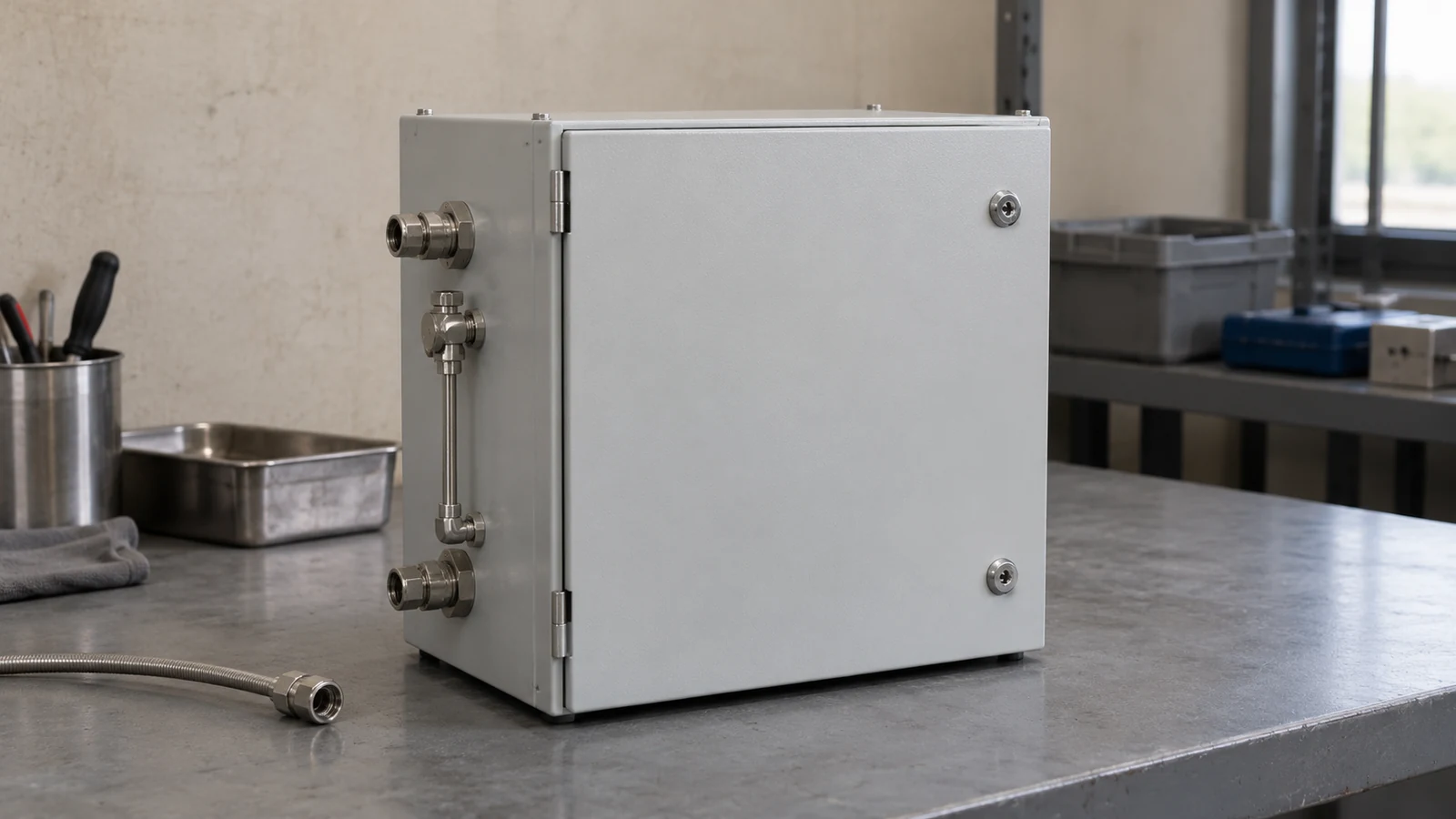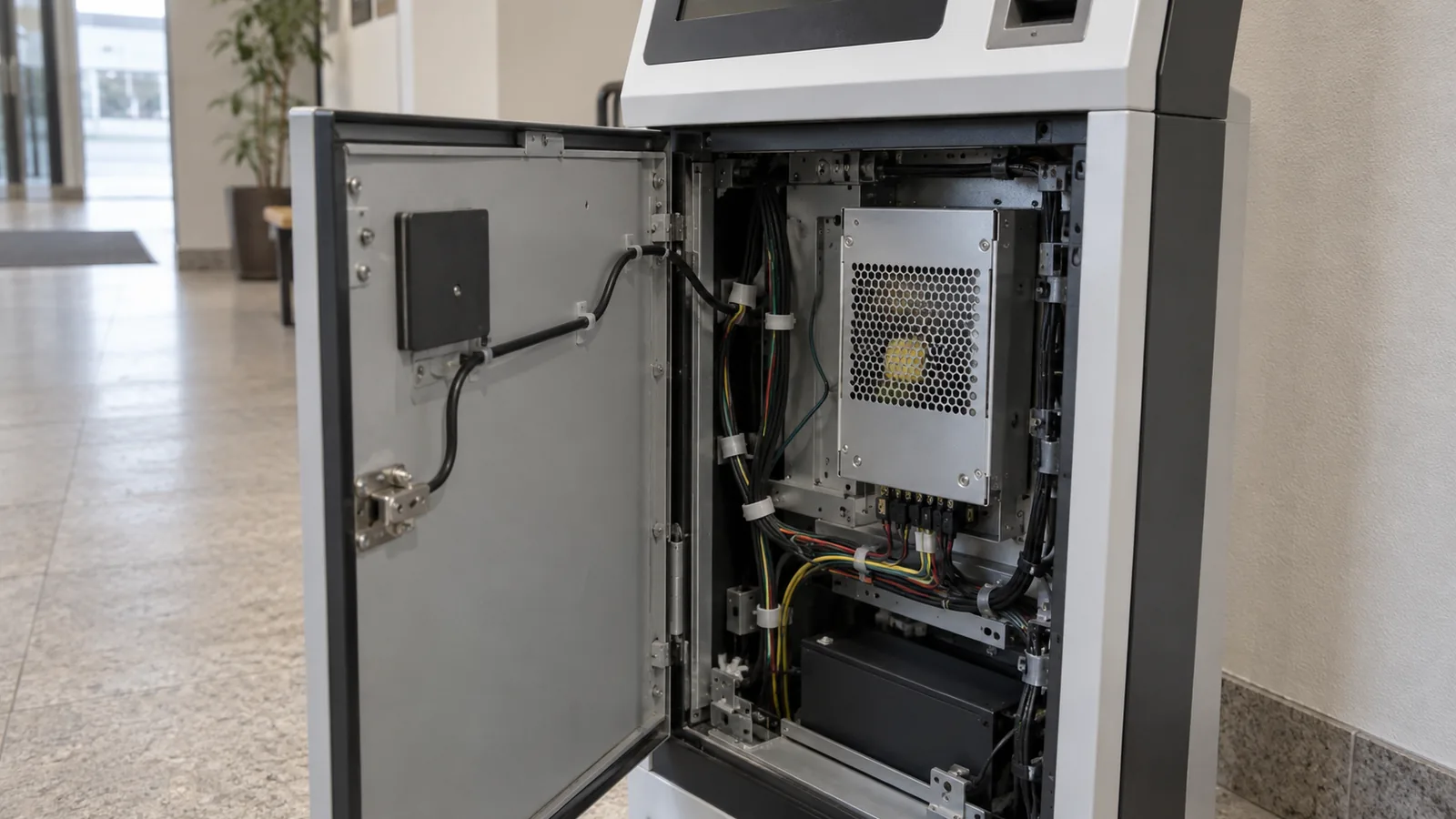
A kiosk power choice based on a peripheral’s rating alone can cause rework when the complete equipment requirement is still unresolved. Confirm the complete kiosk’s documented input first, then keep its site AC requirement separate from any peripherals whose own documents specify DC input.
This editorial checklist addresses equipment documented with a complete-unit AC input and any peripherals documented with DC inputs. Confirm the input type for each item before assigning it to either record; an unknown input type remains unresolved. It helps an integrator prepare a power-review record. It belongs to power and protection documentation and gives no universal wattage, margin percentage or wiring procedure.
Confirm the input boundary: Complete kiosk · Documented AC input · Documented DC peripheral · Input type unresolved.
| Input or item | Typical value or source | Why it matters |
|---|---|---|
| Complete-kiosk identity | Model, configuration and applicable installation manual | Sets the equipment boundary |
| Site AC requirement | Actual equipment label and current manual | Identifies the complete unit’s stated input |
| Internal DC loads | Each fitted peripheral’s original document | Preserves requirements within the assembly |
| Operating conditions | Mode and concurrent-operation information from the responsible source | Frames the load review |
| Installation conditions | Actual manufacturer instructions and site requirements | Defines the environment for the review |
| Missing input | Specific question assigned to a responsible reviewer | Stops an assumption becoming a selection |
Establish which power boundary you are reviewing
Ask whether the task concerns supplying a complete kiosk or reviewing a power arrangement inside an approved assembly. The documents and responsible reviewers differ.
For a complete unit, record its exact model and configuration, the input stated on its label and the installation document that applies. For an internal change, record the documented input type, the affected assembly and each fitted peripheral’s documented input requirements. Do not use a peripheral label as a substitute for the complete-kiosk requirement.
Source Technologies’ historical 8-Series Countertop Kiosk Installation Guide directs the reader to the kiosk’s own product label for specific power requirements and notes that peripheral configurations vary. This is a model-specific documentation example. Its electrical or installation details are not universal requirements for other kiosks.
The industrial application route helps establish equipment identity before comparing power records. The component documentation route applies when an internal part needs its own original specification; a part datasheet alone does not define the complete kiosk’s site supply.
Takeaway: Name the complete-equipment or internal-assembly boundary before collecting ratings.
Inventory the fitted loads without inventing values
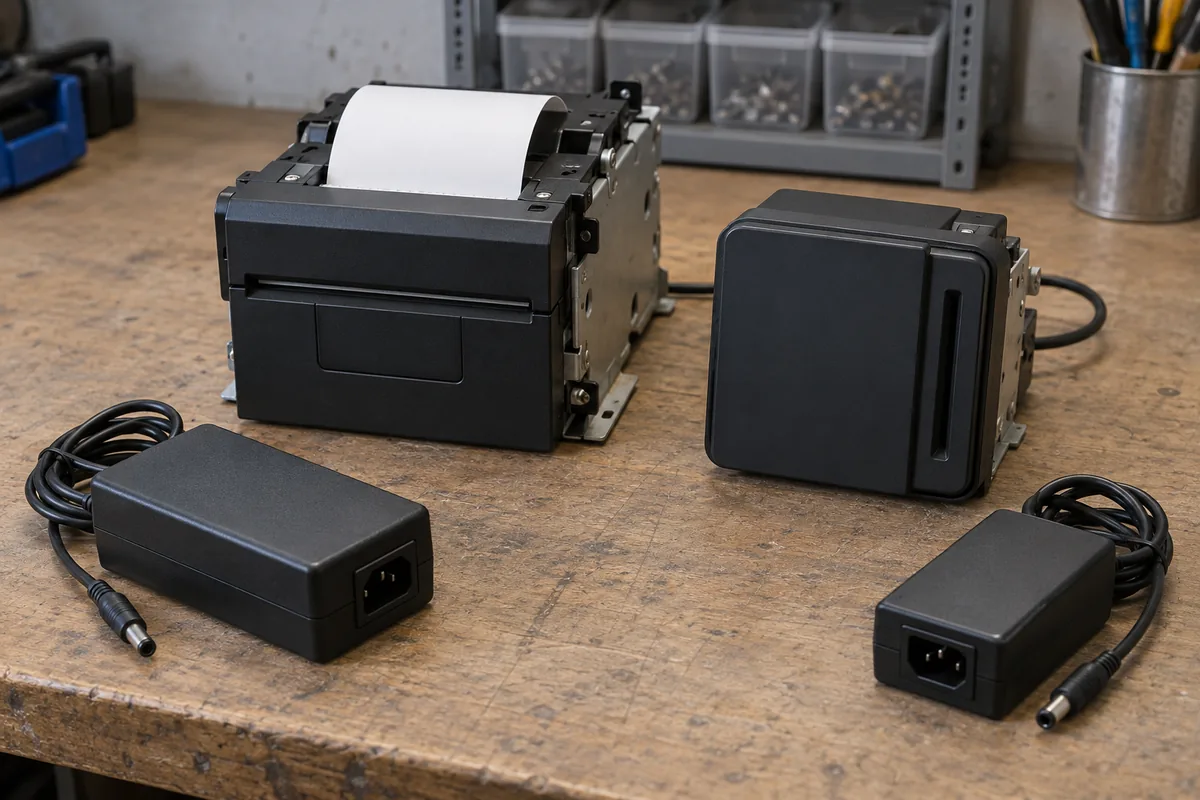
Build the load record from the actual configuration and original documents. Record the display, controller, printer and other fitted peripherals only when they are part of that equipment.
| Load record field | Evidence needed | Question left for review |
|---|---|---|
| Peripheral identity | Full model or assembly identifier | Is this the fitted variant? |
| Input requirement | Applicable manufacturer section or label | What requirement does the source actually state? |
| Operating mode | Documented mode relevant to use | Which mode belongs in the review? |
| Concurrent operation | Equipment sequence or configuration record | Which loads operate together? |
| Transient or startup information | Applicable original specification, if provided | What is unspecified and who can resolve it? |
| Interface and assembly context | Approved equipment documentation | What connections or controls affect the scope? |
| Source location | Manual revision and section | Can the reviewer recover the same evidence? |
Use a separate fillable entry for each fitted peripheral and each relevant parameter. The handoff refers to these entries by their load-record identifiers.
| Input record field | Entry to fill from actual evidence |
|---|---|
| Load-record identifier | Project reference for this peripheral/parameter |
| Identity and input type | Exact model/variant; AC, DC or unresolved as stated by the document |
| Source parameter | Original parameter name and definition |
| Extracted value | Source value and unit, or not stated; no assumed default |
| Value nature | Source’s typical/maximum/other qualifier |
| Source conditions | Stated mode, startup and other applicable conditions |
| Actual configuration | Project configuration and concurrent-operation record reference |
| Source location | File identifier, revision, URL, page/section and notes |
| Difference or gap | Source condition versus intended use, or missing evidence |
| Responsible reviewer | Named owner and the document/decision needed next |
Associate each fitted peripheral with its original document and the same input record. Bind the source conditions and actual configuration to that record; conditions without supporting evidence remain open questions.
This table asks for evidence; it supplies no default values. If a document does not state a required condition, mark it unresolved and identify the source owner. Do not substitute a familiar voltage from another project or a catalog family.
Use the datasheet condition checklist to preserve the meaning and conditions of an extracted value. Use the embedded-control route when the power review depends on a documented interface or equipment configuration.
Common mistake: Adding peripheral headline ratings together and presenting the result as the complete kiosk’s required supply without the applicable equipment record.
Takeaway: A load inventory is a document-based input to review, not an automatic supply selection.
Preserve conditions before considering a supply candidate
Keep input requirement, operating mode, concurrent operation and installation conditions beside the source. A number detached from its conditions cannot settle the selection.
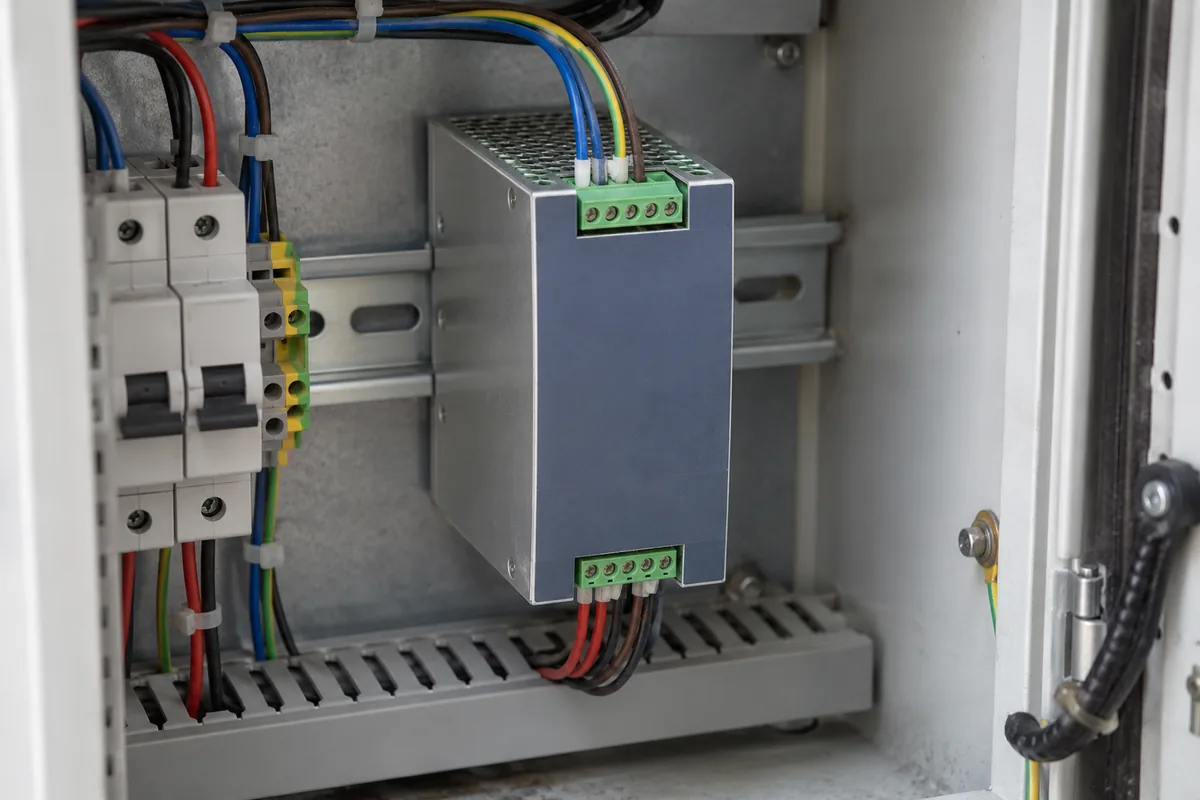
The responsible engineering or equipment reviewer needs to determine which documented operating cases apply. If a document states a typical value, preserve that label rather than turning it into an upper limit. If the source describes only one configuration, keep that configuration attached to the entry.
The historical INSOMNIAC 800 Contractor’s Guide contains site power requirements and discusses backup power within its own equipment and installation context. It carries copyright 2012 and states that installation/configuration references apply within the United States. The cover/DCN is 151-120221-E-EU, while the cited Power Requirements and Backup Power Supply content on printed page 8 has footer 151-090513-E-EU. These are the file’s own identifiers; the different identifier in its URL does not resolve the version. This guide does not carry any of its numeric requirements into a general kiosk recommendation.
For a supply or peripheral change, use the replacement requirements matrix to record the original requirement and candidate differences. Power review does not approve a replacement merely because a connector or rated output looks similar.
Takeaway: Keep each candidate comparison tied to the actual load conditions and equipment documentation.
Prepare the installation and review handoff
Gather the complete-unit manual, load record and unresolved questions for the equipment owner and responsible site professional. Record their decisions in the actual project process.
| Handoff item | What the record should contain | Responsible source |
|---|---|---|
| Equipment scope | Model, configuration and document revision | Equipment owner / manufacturer |
| Complete-unit input | Label reference and applicable manual section | Actual equipment documentation |
| Internal load evidence | Per-load original source and conditions | Integrator / peripheral documentation owner |
| Installation constraints | Requirements from the actual manual and site | Equipment and site reviewers |
| Backup-power question | Required behavior and the document defining it | Equipment / site owner |
| Open inputs | Missing condition, its consequence and named owner | Relevant engineering or manufacturer contact |
This is a planning handoff, not an installation sequence. Source Technologies’ original guide assigns service procedures to trained and qualified personnel; this article keeps that model-specific authority boundary visible without copying its physical procedures.
Continue with power documentation for the requirements record and industrial equipment documentation for the service and configuration context.
Takeaway: Hand off the source-linked inputs and unanswered questions before treating a candidate as selected.
When this does not apply
This checklist cannot specify a supply for an unknown kiosk, prescribe a universal design margin or authorize changes to the installed equipment. It contains no live electrical checks or wiring instructions.
The Source Technologies guide is a 2015 model-specific installation document. The INSOMNIAC file is historical material hosted under a 2016 upload path; that path is not a verified publication date, and copyright 2012 is recorded separately from publication or revision date. Both illustrate which records an installation manual can provide. Their requirements need to stay within their own scope, and current documents for the actual equipment take precedence in a real review.
Takeaway: Use the checklist to prepare evidence for qualified review, with no numerical rule imported from another kiosk.
Methods and sources
This editorial input checklist uses the original Source Technologies 8-Series Countertop guide, document 108175 revision A, and the historical OpenTech Alliance INSOMNIAC 800 Contractor’s Guide, accessed October 8, 2026. We use their equipment/document boundaries and do not claim to have tested a kiosk or selected a power supply. Photos serve as examples, not wiring or product-specification evidence.
Related reading
- Datasheet condition checklist — Keep source conditions attached to values in the load record.
- Replacement review — Record candidate differences when an internal supply or peripheral changes.