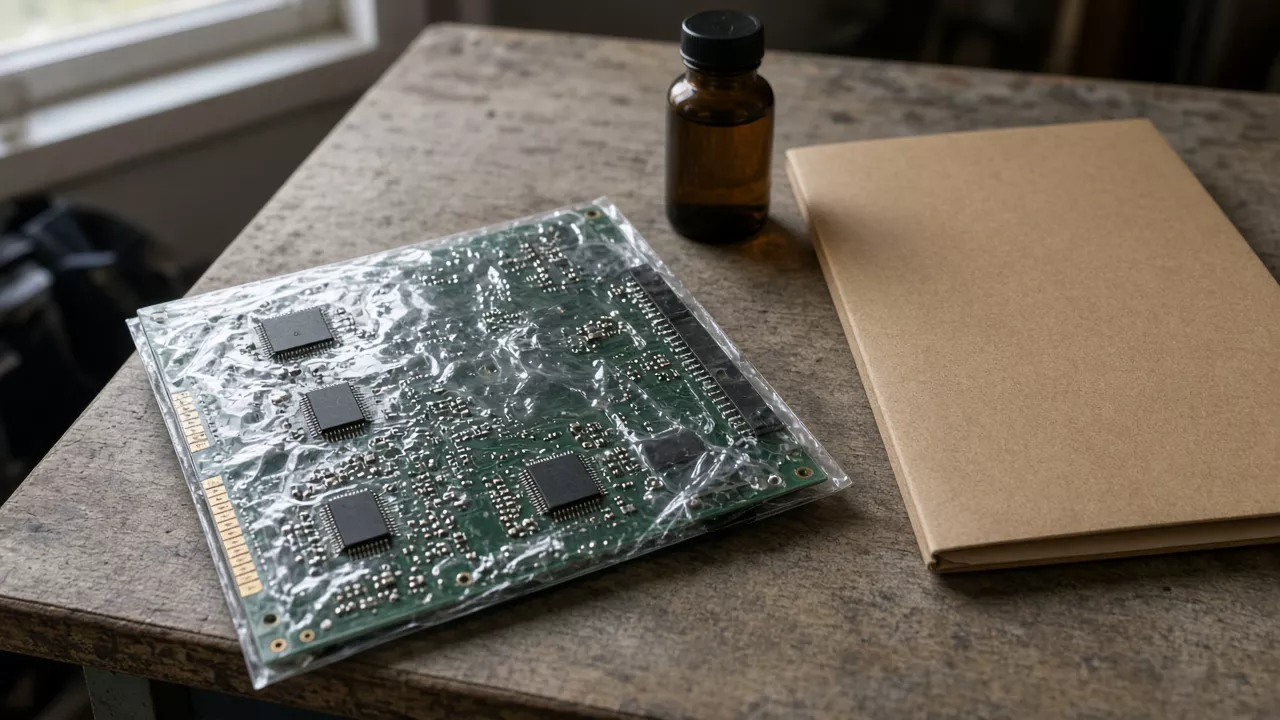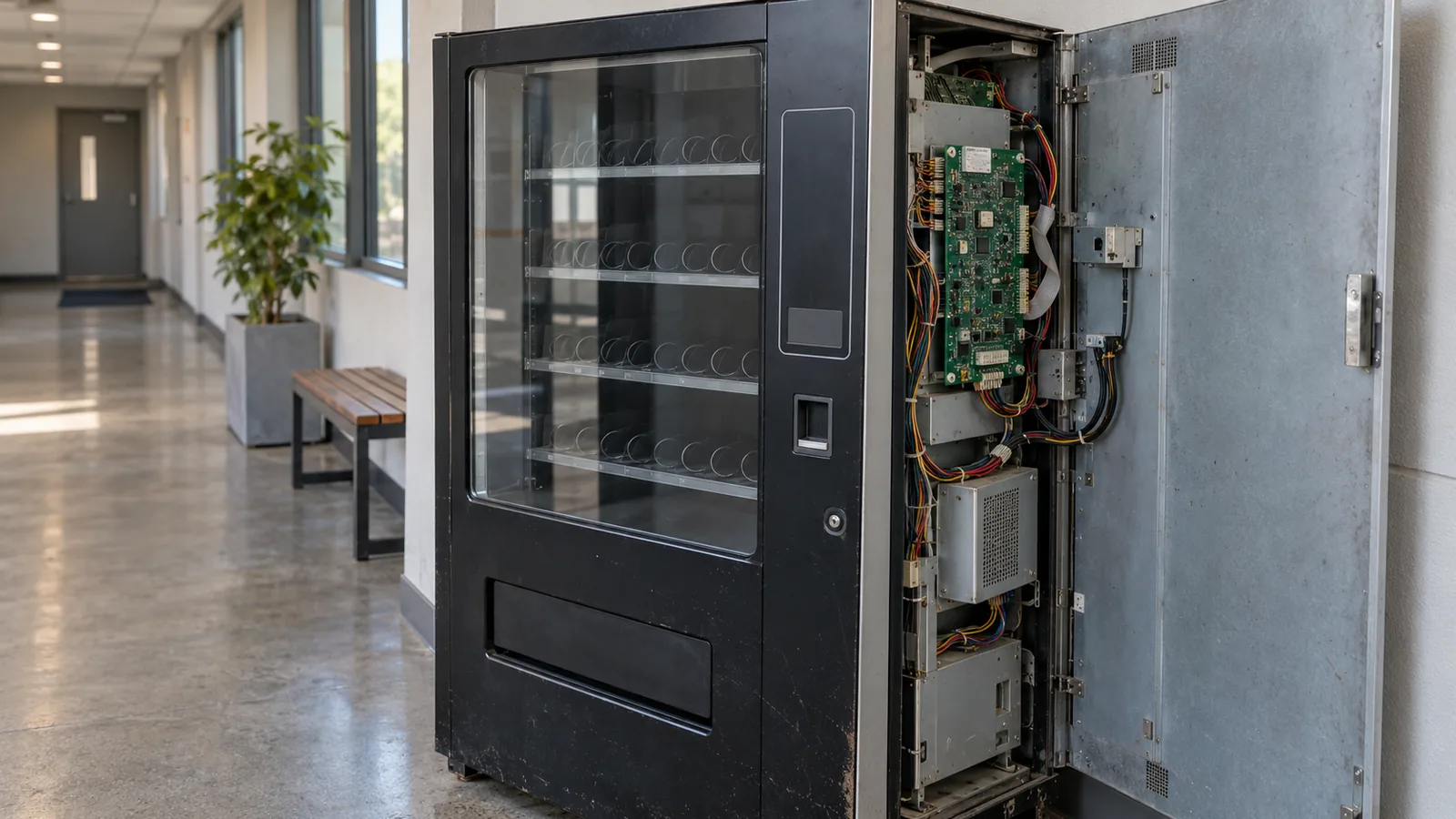
Calling an observed equipment symptom a failed control board can send service work down the wrong path. Prepare a non-invasive record of equipment identity, symptoms, existing logs, configuration and permissions, then give it to the authorized service provider.
This guide helps unattended-equipment operators complete a service handoff within the industrial application route. It offers no cleaning, live measurement, soldering, generic diagnosis or maintenance interval.
| Input or item | Typical value or source | Why it matters |
|---|---|---|
| Equipment identity | Existing asset record and accessible identification | Ties the case to the actual equipment |
| Observed symptom | Exact operator observation | Keeps evidence separate from a suspected cause |
| Existing log | Authorized existing record with time context | Preserves the information already available |
| Configuration | Approved current record and known changes | Gives service the relevant context |
| Permissions | Site policy and applicable original manual | Defines what the operator is authorized to do |
| Service owner | Organization’s designated service process | Gives the record an accountable recipient |
Identify the equipment without opening it
Start with the equipment identity available through existing records or permitted access. Keep a board identity unresolved if establishing it would require an unauthorized procedure.
Record the asset reference, equipment model and configuration from the organization’s records. Add a serial or assembly identifier only if it is already documented or accessible within permitted observation. Preserve where the information came from: an asset record, an existing service report or an allowed external observation.
Source Technologies’ 2015 8-Series Countertop Kiosk guide assigns service procedures to trained and qualified personnel. It is a specific-equipment example of a service boundary, not a current universal control-board manual. Use the actual equipment’s applicable documents and your organization’s authority rules to define permitted access.
For a part code already present in a service record, use the component identifier guide to preserve it accurately. Use the component documentation route for the original document lookup; neither requires this page to instruct an operator to open the equipment.
Takeaway: Preserve the available equipment identity and mark inaccessible information as unavailable.
Describe what happened without deciding its cause
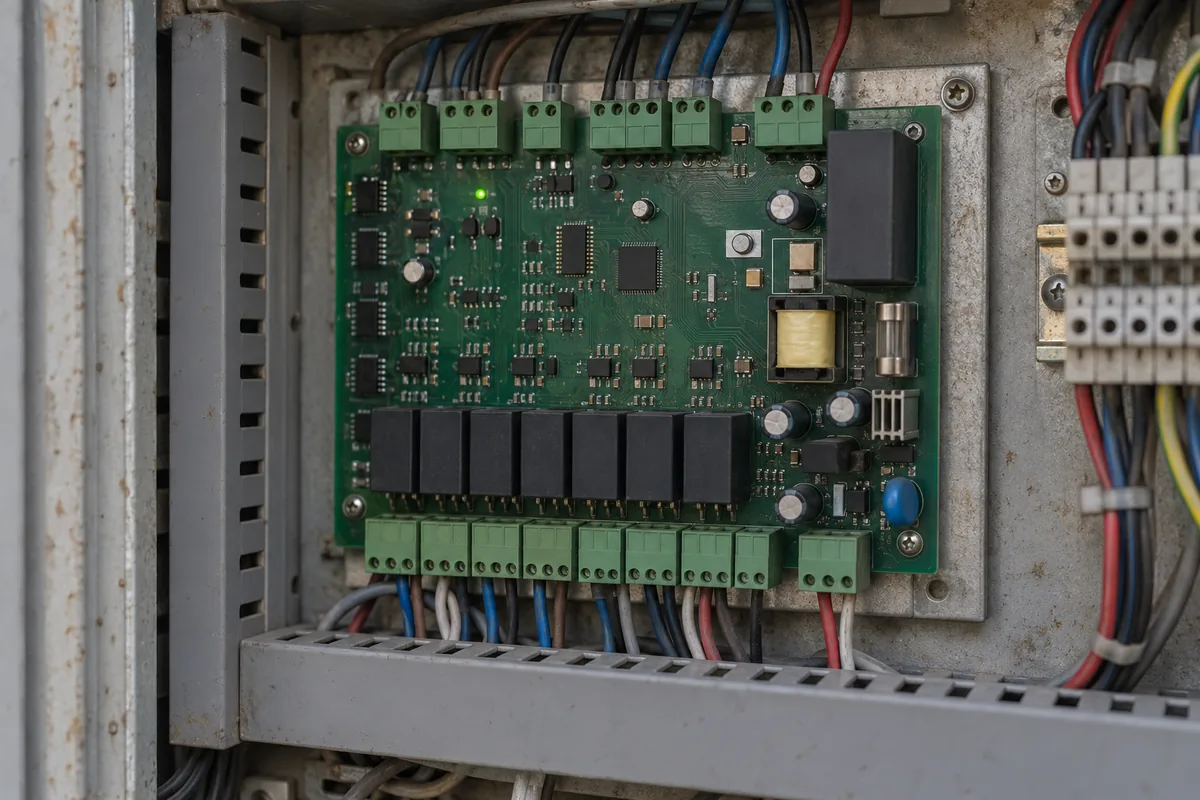
Write the observed symptom as an observation, with its time context and source. Keep “control board fault” as an unconfirmed interpretation unless the authorized service record establishes it.
| Record field | Useful entry | Keep separate |
|---|---|---|
| Observation | What the operator actually saw or heard | Suspected failed component |
| Time context | When it occurred, with known clock context | Unverified chronology |
| Operating context | Activity or equipment state already known | Guessed internal behavior |
| Extent | Which observed functions were affected | A conclusion that every subsystem failed |
| Existing evidence | Original displayed message or authorized existing record | Edited explanation of the message |
| Reporter | Who supplied the observation | Service diagnosis or decision |
For an error message, preserve its exact wording from an allowed existing record. Record whether the timestamp came from the device, an operator note or another system, and identify uncertainty rather than reconciling clocks by guesswork. If the event was reported by someone else, retain that attribution.
If an existing event record involves a communication interface, the embedded-control documentation route explains interface and protocol evidence. The message meaning and configuration baseline still come from the actual equipment files and project records. The power documentation route applies when an existing event record concerns supply conditions; it does not authorize electrical measurements.
Common mistake: Rewriting “the equipment stopped responding” as “the control board failed” before service has established the cause.
Takeaway: Service needs the original symptom and its context, with interpretation clearly separate.
Record existing logs, configuration and permissions
Use information already available through authorized records, and state what access is unavailable. A checklist does not grant permission to export logs, change configuration or reset the equipment.
Record within the document boundary: Existing evidence source · Applicable file and conditions · Authorized information · Unavailable information.
| Evidence category | Record to preserve | Authority question |
|---|---|---|
| Existing log | Relevant existing record and its source | Is viewing or sharing it permitted? |
| Configuration | Approved version or configuration reference | Who owns the baseline? |
| Known change | Documented change and its stated time | Was it authorized, and where is the record? |
| Environment observation | Conditions already observed and relevant to the case | What can be reported without investigation? |
| Authorized action | Action actually permitted by the relevant process | Who approved it and under which instruction? |
| Unavailable evidence | Specific missing item and why it is unavailable | Can the service owner obtain it? |
An observation that a change preceded a symptom is a chronology entry, not proof that the change caused the symptom. Preserve both source records and leave diagnosis to service. If permitted evidence cannot be obtained without an intrusive action, leave it unavailable rather than improvising a procedure.
Use the datasheet condition checklist when service has already supplied component-level documentary evidence. Keep that evidence within its conditions; it does not convert the operator record into a test.
Takeaway: Available evidence and permission to obtain more evidence are separate fields.
Give the service provider a structured handoff
Group identity, symptoms and logs, configuration and permissions into one case record. Include the unresolved questions so the recipient can see what is known and what still needs authorized investigation.
| Handoff group | Contents | Open item / owner |
|---|---|---|
| Identity | Asset reference, model, configuration and source | Unknown assembly identity / equipment owner |
| Symptoms and logs | Original observations, time context and existing evidence | Missing authorized record / service owner |
| Configuration | Approved baseline and documented changes | Unknown version or change / configuration owner |
| Permissions | Allowed actions and applicable instructions | Access or sharing decision / authorized site owner |
Copy the event record below and fill it only from available, authorized evidence. This editorial table keeps symptoms, existing logs, applicable documents and permissions aligned for the same event; it is not a service instruction.
| Symptoms | Existing logs | Applicable documents | Permissions |
|---|---|---|---|
| Fill: event reference, exact observation, reporter and time context | Fill: existing record reference, source and clock context, or unavailable | Fill: file title/identifier, revision, page/section and equipment/configuration scope | Fill: permitted access or action, instruction reference and authorizing owner |
| Open item / owner: fill | Open item / owner: fill | Open item / owner: fill | Open item / owner: fill |
The file revision and equipment scope belong to the actual service file, not the historical manual used to explain this checklist. Keep the authorization basis and its responsible owner in the permissions column. Unknown items remain unresolved; none of these fields calls for opening equipment or changing its settings.
Only existing, authorized information enters the operator record. Information that is unavailable or would require an unauthorized or invasive action stays marked unavailable for the designated service owner. This is the handoff boundary, not a sequence of physical operations.
The Source Technologies guide’s laser-safety section directs service inquiries about this model’s optional laser barcode reader to the organization’s contracted service provider. Keep that instruction within the particular equipment context; the recipient for your case is the provider designated by your organization and actual equipment documentation.
If service proposes a replacement, the obsolete-component review matrix is a separate documentation task. Its presence here does not authorize the operator to select or replace a board. If a received spare’s records need attention, use the date and provenance record without treating a date as an acceptance or diagnostic conclusion.
Continue through industrial application documentation to retain the equipment-level case and service responsibility.
Takeaway: Send service a source-linked case record with visible gaps, rather than a preselected fault diagnosis.
When this does not apply
This record does not determine whether a board needs repair, replacement or cleaning. It supplies no repair procedure, approved cleaner, measurement instruction or universal maintenance period.
A current equipment manual and authorized service process determine the permitted next step. If an operator’s access is restricted, document that restriction; completing the record does not justify bypassing it. The 2015 kiosk manual illustrates a service boundary only and cannot define service for other unattended equipment.
Takeaway: The handoff ends at authorized service; the checklist does not extend operator permissions.
Methods and sources
This editorial service-record layout uses the original Source Technologies 8-Series Countertop Kiosk Installation Guide, document 108175 revision A, copyright 2015, accessed October 8, 2026. Its qualification and equipment-specific service boundaries are kept within their original scope. Observation, time-context and permission fields are editorial recommendations. No equipment was diagnosed, opened, cleaned or tested for this article.
Related reading
- Component identification record — Preserve identifiers already present in authorized records.
- Replacement review — Separate an eventual engineering change from the operator’s service handoff.