Choosing a sensor for a detection task without checking the controller input can cause integration rework. Record the task, the sensor’s documented output, the controller’s documented input and their configuration requirements as separate evidence.
This checklist serves packaging-line integrators using the industrial application route. It produces an interface review record, rather than a mechanical buying guide, wiring prescription or plug-and-play claim.
| Input or item | Typical value or source | Why it matters |
|---|---|---|
| Detection task | Actual packaging-process requirement | Defines what the sensor is meant to establish |
| Sensor identity | Exact model, variant and original document | Sets the output-document scope |
| Output information | Sensor’s applicable interface section | Defines the controller-side receiving question |
| Controller input | Exact input module and original document | Defines the other side of the review |
| Configuration | Approved project record and applicable device instructions | Preserves settings and responsibility |
| Open difference | Source locations and engineering owner | Keeps incomplete matching visible |
Describe the detection task before the interface
Write what the equipment needs to detect and what decision uses that information. Then distinguish that process requirement from the electrical output and controller input.
For example, an editorial planning record might ask whether the task is observing presence, position or a process event. These are possible descriptions, not a claim that any particular sensor or machine supports them. Use the actual process requirement to identify the relevant document questions. Keep the requirement in words that the equipment owner can review.
Mitsubishi Electric’s original smart-packaging overview describes sensors, control systems, operator interfaces and data exchange as parts of packaging coordination. It supports the system context, not a wiring rule or a performance guarantee. This article adds a documentation record linking the actual task to both interface documents.
Use the embedded-control route when the sensor requirement includes communicated data or application behavior. Use power requirements to retain the actual device-input requirements separately from the detection task.
Takeaway: Define what information the process needs before trying to match interface labels.
Identify both document sides of the connection
Obtain the exact sensor document and exact controller-input document before comparing them. A sensor catalog description and a controller family name leave variant questions open.
Compare sources in the same row: Sensor source and conditions · Controller source and conditions · Comparison row · Difference or gap.
| Comparison field | Sensor-side source | Controller-side source | Review output |
|---|---|---|---|
| Identity | Exact model and variant | Exact controller/input-module variant | Confirmed document pair or unresolved identity |
| Signal/interface | Original output description | Original supported input description | Match evidence or explicit difference |
| Electrical conditions | Applicable source rows and notes | Applicable source rows and notes | Conditions requiring engineering review |
| Timing | Relevant device statement and conditions | Relevant input behavior and conditions | Task-specific timing question |
| Connector information | Applicable manufacturer drawing | Applicable manufacturer drawing | Document reference for qualified review |
| Configuration | Original parameter instructions | Original input/application instructions | Named configuration owner |
| Diagnostics | Information the document states is available | Documented handling by the actual system | What remains to be confirmed |
Use this editorial detail entry for each task/comparison row; leave the value column unresolved until actual documents provide it.
| Detail field | Value to fill from the actual project |
|---|---|
| Task / row identifier | The process requirement and comparison-row reference |
| Sensor source | Exact variant, document identifier/revision, URL and section/table/notes |
| Controller source | Exact input variant, document identifier/revision, URL and section/table/notes |
| Original descriptions | What each side actually states about the compared item |
| Source conditions | Applicable conditions on each side, kept separate |
| Parameter attributes | Definition, unit and value type only where numerical data is involved |
| Difference or gap | Supported correspondence or missing evidence; no assumed compatibility |
| Configuration link | Approved project baseline and applicable parameter record |
| Diagnostic link | Relevant meaning and system-handling document, if applicable |
| Named owner / next evidence | Responsible person and the specific file or decision needed |
| Review status | Unresolved or a reference to the actual engineering decision |
The sensor source location and conditions and controller source location and conditions meet in the same comparison row. Record a difference or gap against that row rather than separating it from its evidence.
This is a record layout, not a terminal map. It supplies no PNP/NPN wiring values, pin assignments or signal thresholds. If such information is required, reference the applicable original diagram and let the responsible engineer review it within the actual equipment process.
The component identifier record helps preserve the exact variant used in either document. The datasheet condition checklist explains how to retain table conditions and footnotes rather than transferring only headline values.
Common mistake: Recording that a sensor detects the intended object and treating that as confirmation that its output suits the installed controller input.
Takeaway: Match the task using both original interface documents, with every unresolved difference retained.
Separate detection, parameters and diagnostic information
Record the detection signal, parameter record and diagnostic information as different questions. Evidence that one function exists does not establish the others for a chosen device pair.
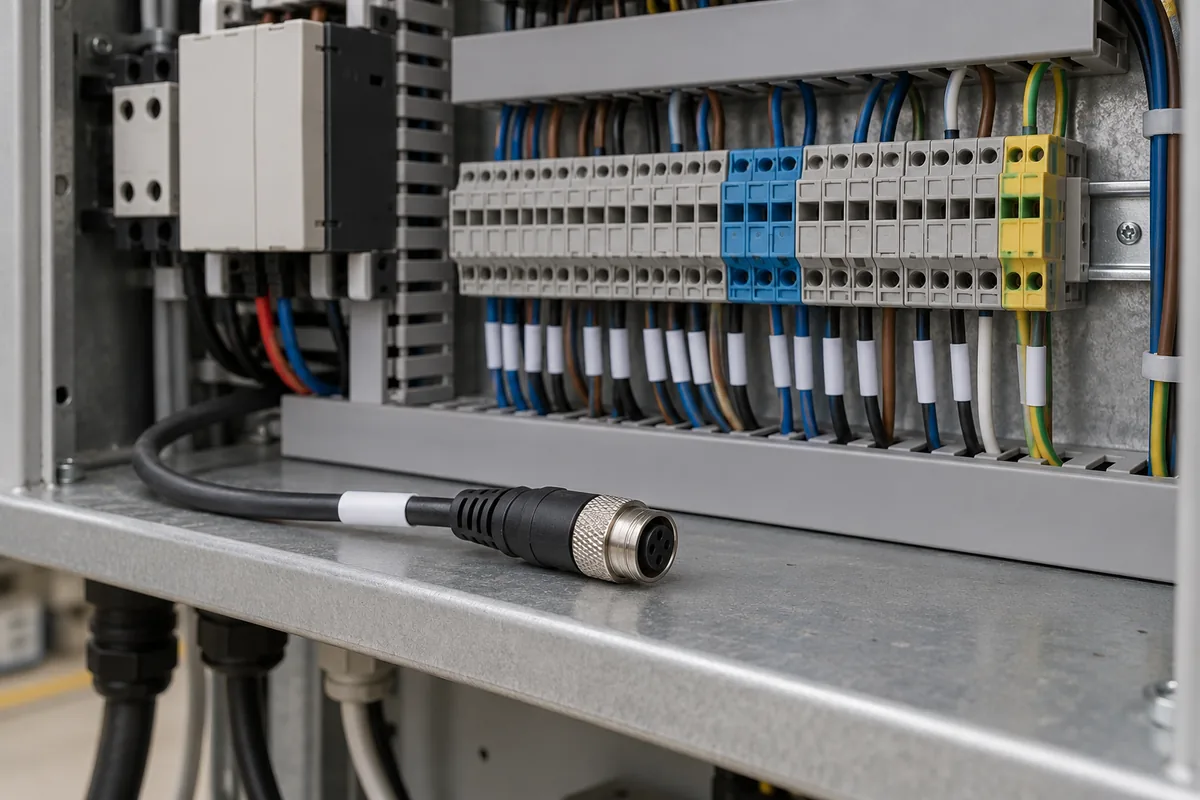
SICK’s Interpack 2014 release discussed IO-Link in connection with sensor parameterization, condition monitoring, electronic documentation and visualization. This is a historical manufacturer announcement, not proof that an unspecified present-day sensor and controller provide those functions together.
For the actual project, record which parameters are documented, which configuration belongs to the approved setup, and who has authority to change it. If diagnostic information is relevant, record its stated meaning and how the controller or application documentation says it is handled. Do not infer those fields from the product’s use of a familiar interface term.
A communicated interface introduces a separate application question. Use the layer and gateway comparison to distinguish carrying information from understanding its application meaning. The sourcing route is the place for purchase and origin evidence if a sensor or input module is being acquired; that record does not replace interface review.
Takeaway: Keep function, configuration and diagnostics separately supported by the chosen device documents.
Assemble an interface record for engineering review
Hand over the task, document pair, source conditions and unresolved questions together. The engineering owner can then decide what additional review or validation the actual equipment requires.
| Handoff field | What to include |
|---|---|
| Task and configuration | Actual process requirement and equipment revision |
| Device identities | Sensor and controller/input variants |
| Source locations | Titles, revisions, URLs and relevant sections |
| Comparison record | Supported matches and explicit differences |
| Parameter record | Approved settings reference and change authority |
| Diagnostic questions | Required information and missing device/system evidence |
| Engineering owner | Person or function responsible for resolving the open items |
Route each unresolved item to the required file or decision and its named engineering owner. The equipment-specific review then records its own outcome; this record does not supply it.
No pre-filled row here approves compatibility. An unresolved item is still useful when it identifies the document or decision needed next. The record also preserves the baseline if a candidate sensor changes later. Use the replacement requirements matrix for that change rather than silently overwriting the original interface fields.
Continue through industrial equipment documentation to keep the machine context beside the review.
Takeaway: A useful interface handoff preserves the original task, both document sides and the owner of every unresolved item.
When this does not apply
This checklist does not specify wiring, certify a safety function or approve a sensor/controller combination. It does not define a response-time target or claim an improvement in machine performance.
The historical SICK announcement supplies context for documentation functions only. Current sensor and controller capabilities need their own applicable original files. A task description and interface name cannot substitute for that evidence.
Takeaway: Use the record to prepare an engineering review; compatibility and validation remain equipment-specific decisions.
Methods and sources
This editorial checklist uses Mitsubishi Electric’s original smart-packaging overview and SICK’s original May 2014 Interpack press release, accessed October 8, 2026. The Mitsubishi Electric overview is dated September 4, 2026. Its system context and the older release’s announced documentation functions are kept separate from actual interface specifications. Tables are original record aids and photos serve as examples; no sensor connection or device pairing was tested.
Related reading
- Interface layers and gateways — Record application meaning separately from the physical interface.
- Datasheet conditions — Keep conditions and notes attached to each extracted requirement.